
Registration experience
Was the form clear? Describe the step that helped you or caused difficulty.



Find your next step, from creating an account to recovering access. These guides explain what to check before you register, sign in, install an app or accept an offer.
Raxi Win brings its red-and-gold identity and Raxi mascot to a homepage focused on common player questions. Use the sections below to understand the steps, prepare the details you need and recognise when you should contact the account provider. Each guide is written for this website, with instructions available as readable text alongside the illustrated tutorial.
These are general access guides. Exact forms, verification methods, supported devices and offers depend on the provider’s current service. Review the instructions on the screen where you complete an action. Protect your credentials, keep control of your time and spending, and check eligibility before using any age-restricted service.
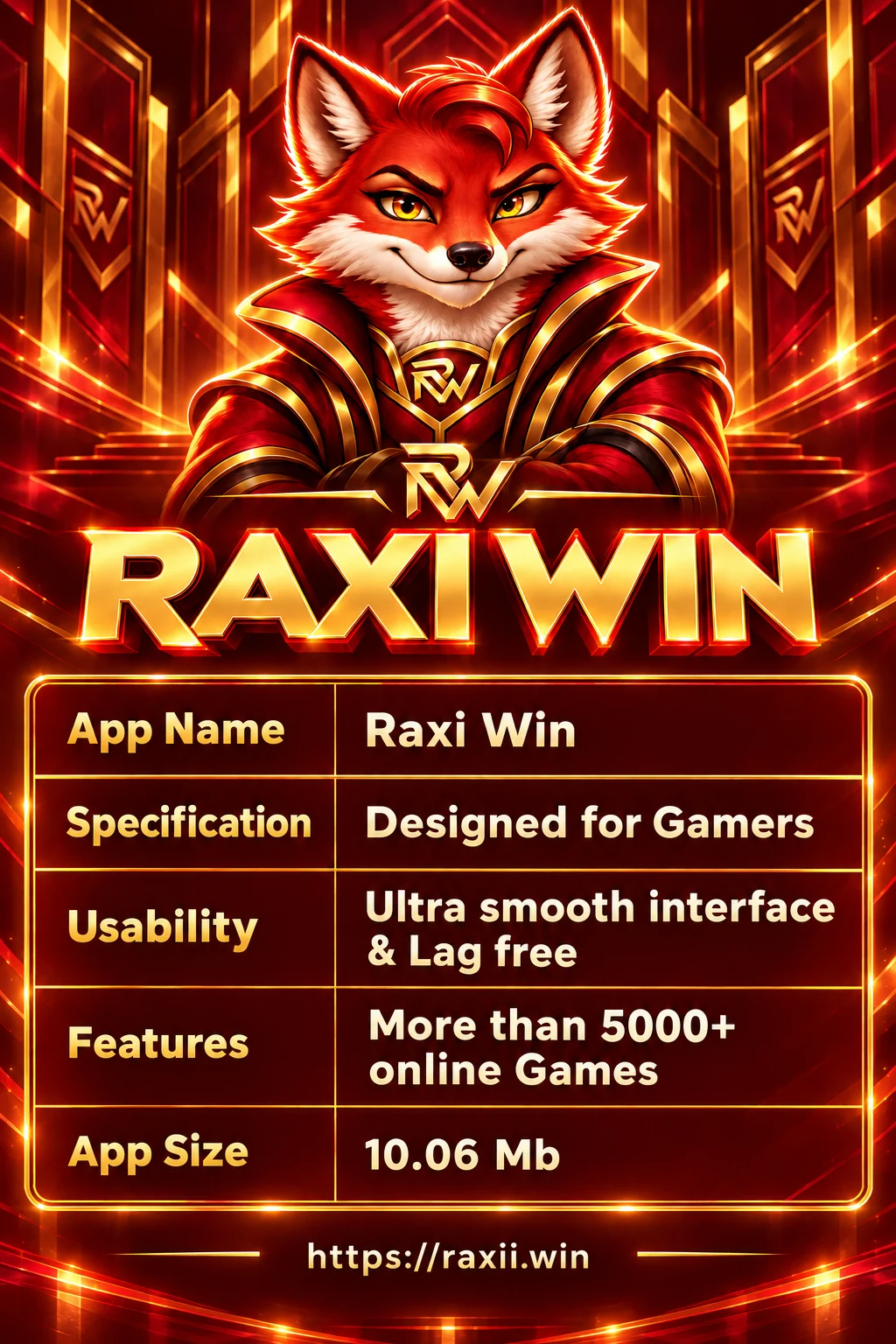
The supplied app listing describes a gaming-focused interface, a large online game selection and a small download. The table below preserves those listing details so you can compare them with the current information shown by the provider.
| App Name | Raxi Win |
|---|---|
| Specification | Designed for Gamers |
| Usability | Ultra smooth interface & Lag free |
| Features | More than 5000+ online Games |
| App Size | 10.06 Mb |
These listing values have not been independently verified. “Lag free” is a supplied description, not a performance guarantee. Your connection, device and the current app version affect performance.
Before installing, check compatibility and available storage. Before choosing a game, check whether it is available to your account and understand its rules. The illustrated table is included beside the accessible text version for easy reference.
Read the complete Register guide
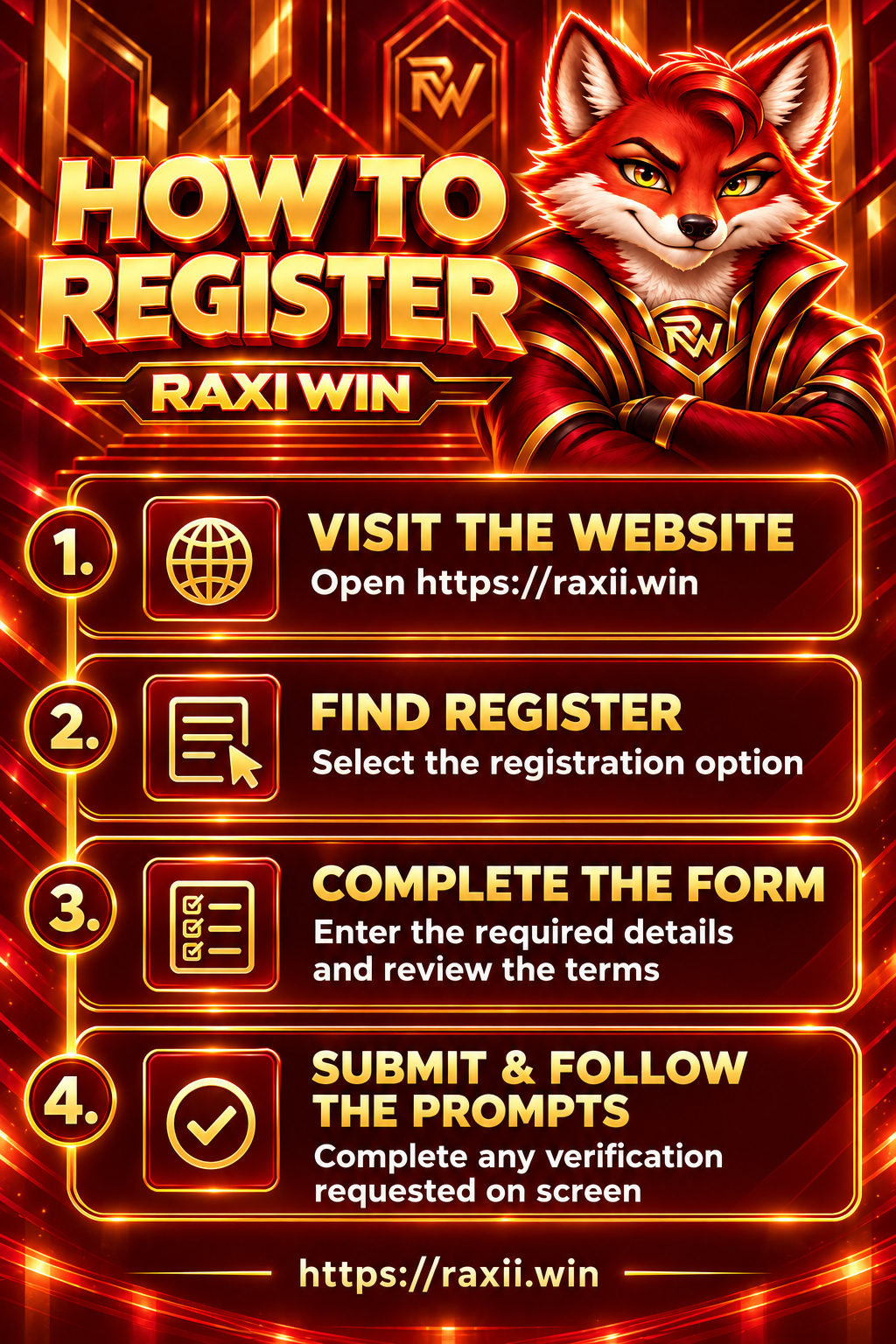
01 · GET STARTEDCreating an account begins with checking the address you are visiting. Start at raxii.win and look for the registration option. If it takes you to another website, inspect the destination before entering personal details. This homepage explains the process; it does not collect your registration information.
Complete the fields requested on the registration screen using details you can access again. Read the account terms before submitting, including any age, location and identity requirements. Choose a password that you do not use for another service. An invitation or referral field should only be completed when the registration page requests it and you have a valid code.
If registration fails, check for an existing account, incomplete fields or a connection problem. Avoid submitting the same request repeatedly. Use the support option displayed by the account provider if the issue continues.
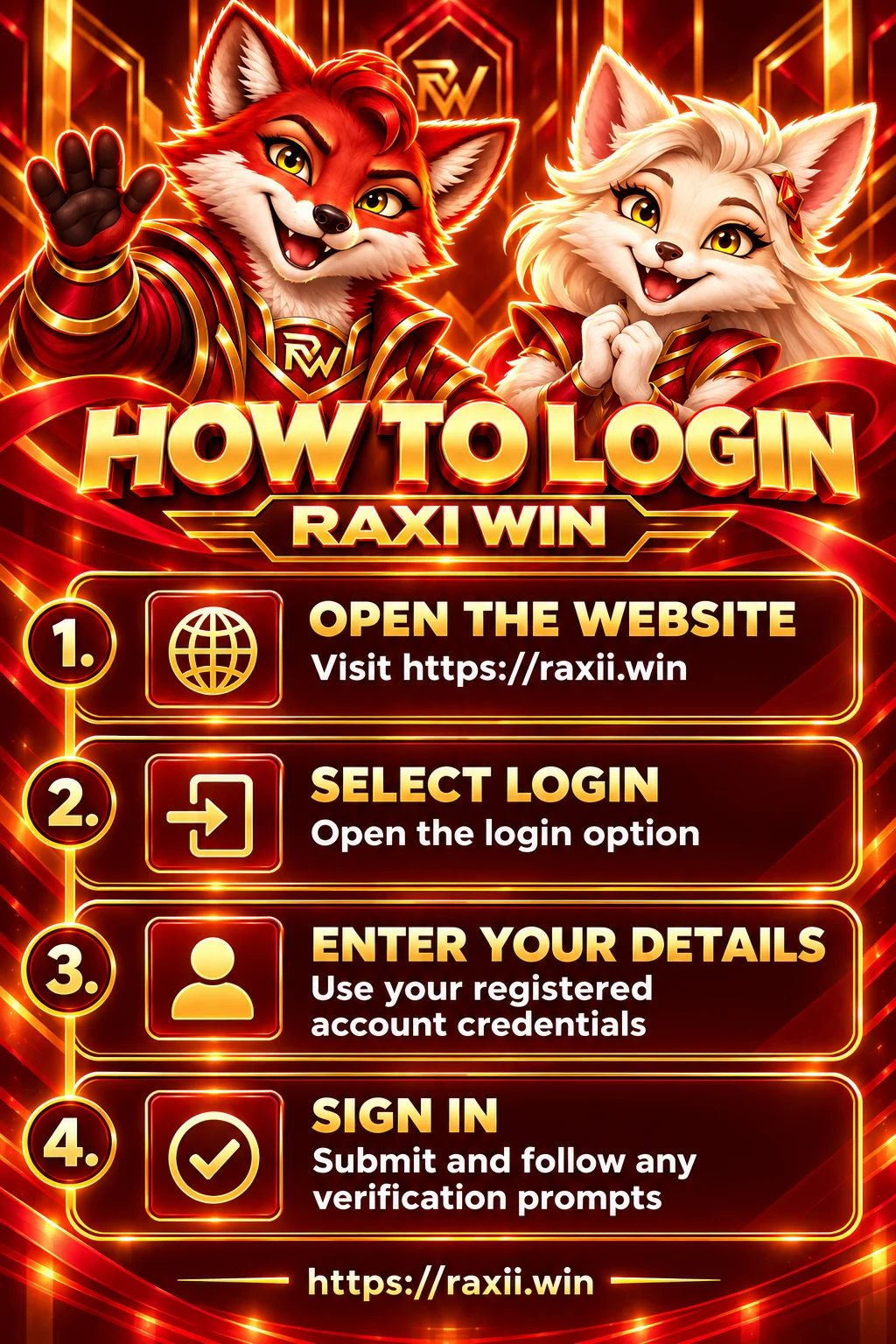
Use the login option and enter the credentials associated with your registered account. A saved password can be helpful, but check that your browser has selected the correct account. On a shared device, do not save your password and sign out when you finish.
An unsuccessful login does not always mean the account is lost. A typing error, an outdated saved password or a temporary connection issue may be responsible. Review the identifier and password carefully, including capital letters and accidental spaces. If verification is requested, complete it through the method shown on screen.
Repeated guessing may trigger an access restriction. Stop after unsuccessful attempts and use recovery or the provider’s support channel. Never send a password or verification code to someone offering to log in on your behalf.
Read the complete Download guide
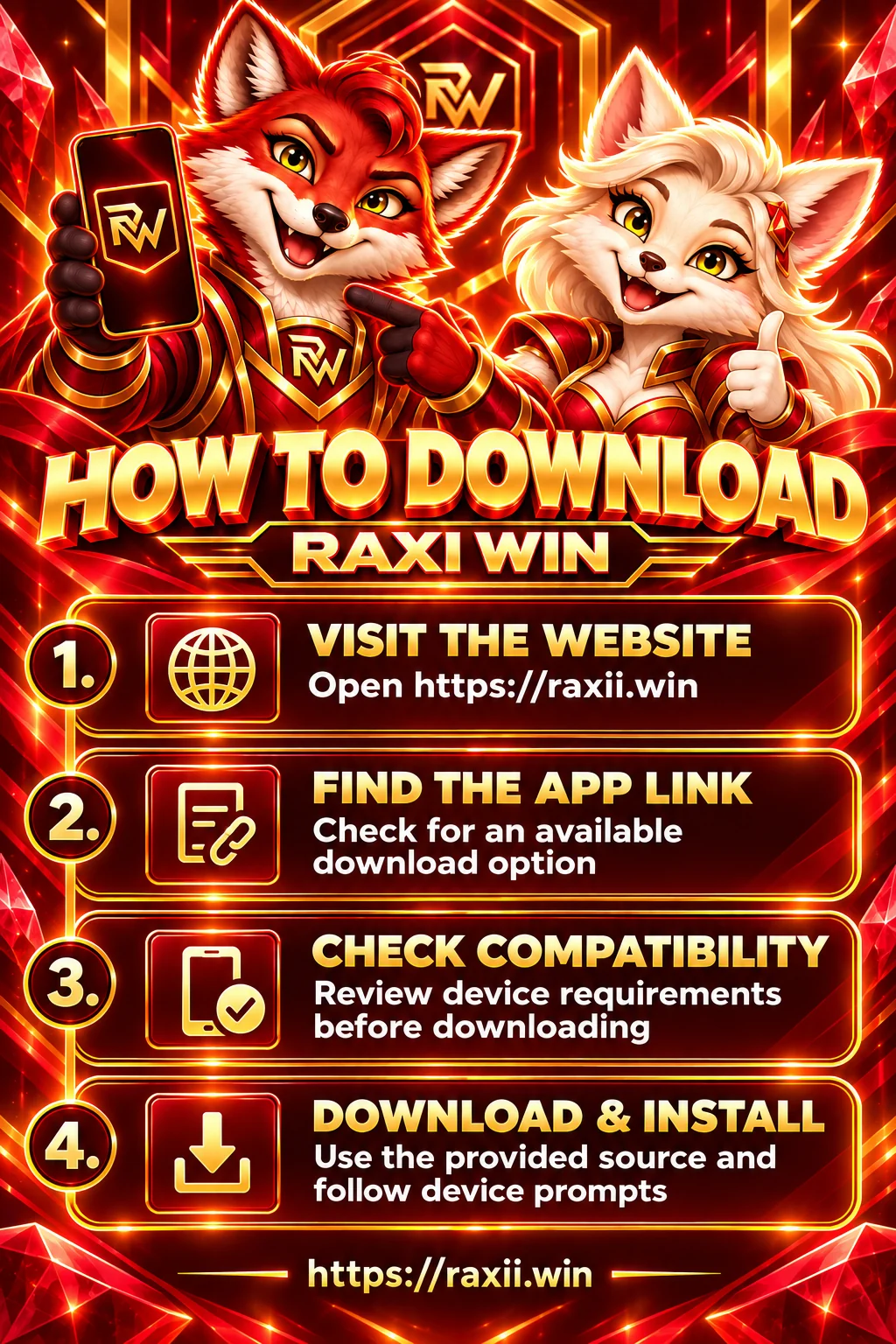
03 · MOBILE GUIDEFirst check whether an app download is available from the website or account provider. The presence of an app guide on this page does not confirm that every device is supported. Review the current download source, operating system requirements, version information and installation instructions before starting.
For Android, a downloaded installation file may need to be opened after the download completes. For other devices, follow the supported method listed by the provider. An Android package cannot be installed as an iPhone app. Do not bypass a device warning simply to complete installation; check the source and understand the warning first.
If a download stops, check your connection and free storage before trying again. The supplied app size is 10.06 Mb, but the current package and installed storage requirements may differ. If no compatible app is listed, check whether browser access is available instead.
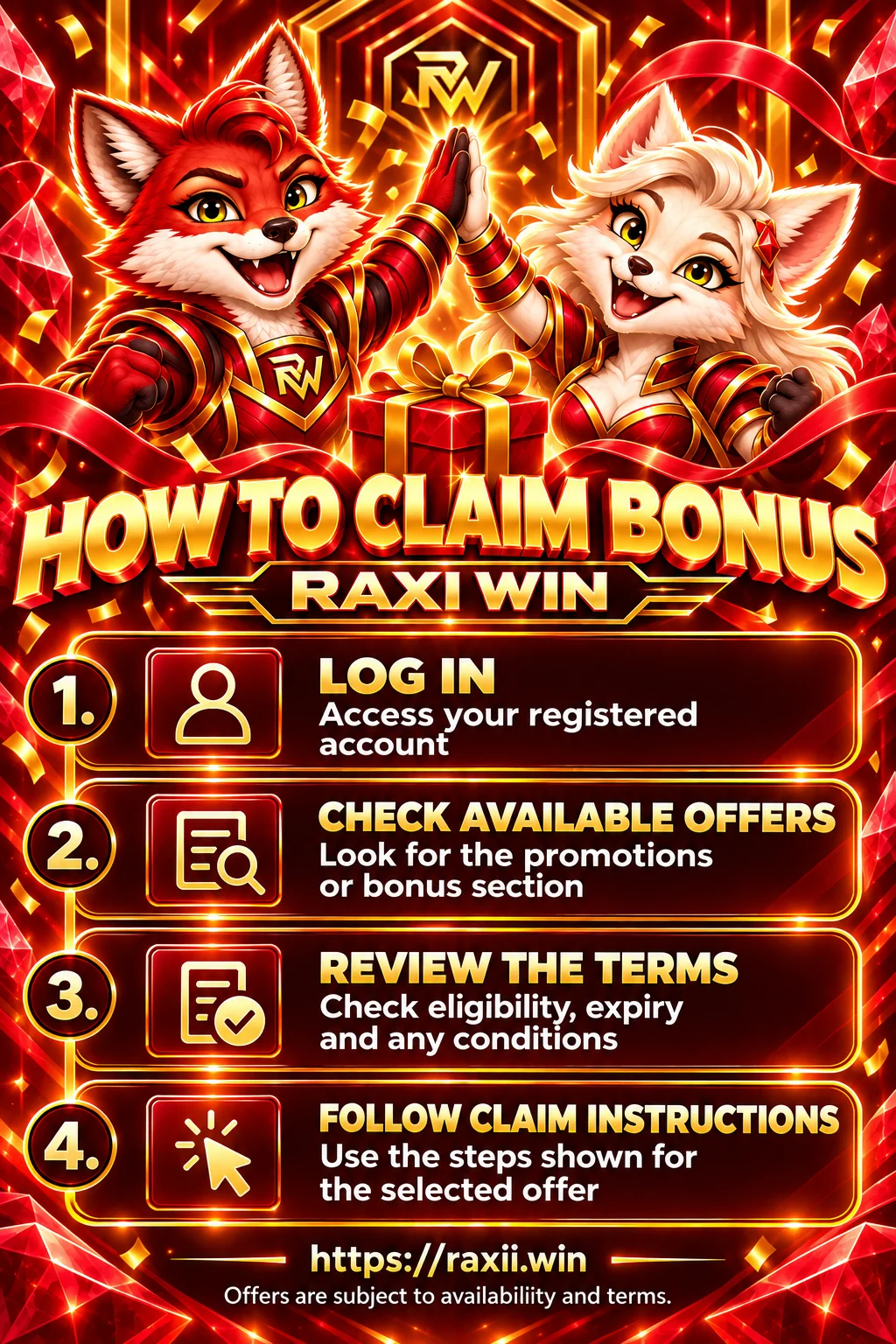
Sign in and look for an available promotions or bonus section. Offers can change, and an offer visible to one account may not apply to another. This page does not promise a bonus amount, automatic credit or eligibility. The terms displayed with the individual offer determine how a claim works.
Before claiming, check the eligible accounts, expiry date, activation steps and any deposit, turnover, game or withdrawal conditions. Understand whether a benefit can be withdrawn or must be used under specific rules. If a code is required, enter it exactly as shown by the provider; there is no verified gift code published on this homepage.
If a claim is missing, retain the offer name and any confirmation message. Contact the provider through its listed support channel. Avoid spending more than planned to meet a promotion condition, and do not treat a bonus as guaranteed income.
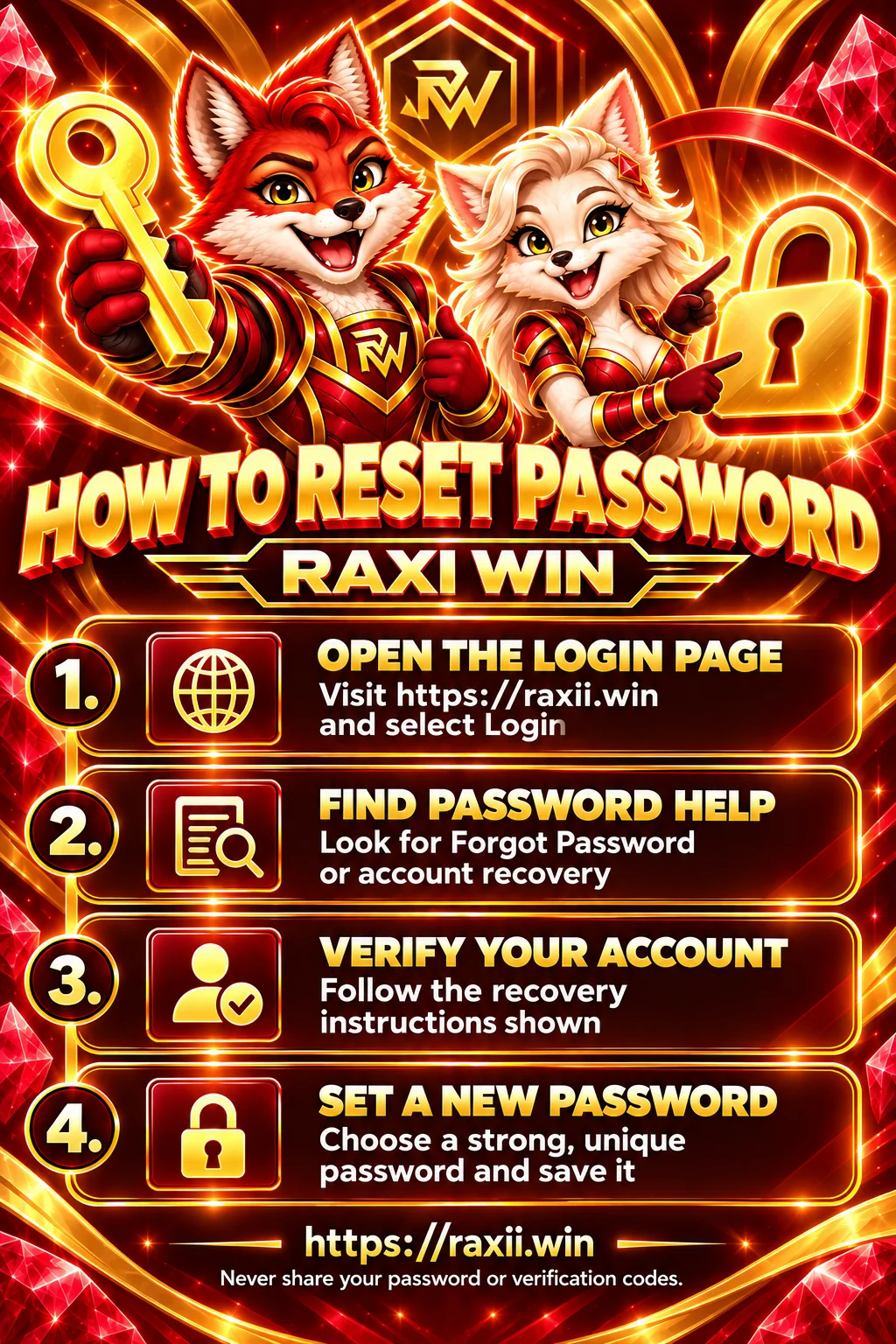
Open the login screen and look for Forgot Password, Password Help or account recovery. The exact label and recovery method depend on the account provider. Follow the instructions displayed for your account rather than assuming that every reset uses the same verification process.
Use the contact details associated with the account when the recovery screen asks for them. If a recovery message does not arrive, check the details, any spam folder and the waiting period shown on screen. A verification code is private: do not share it with another person, including someone claiming to speed up recovery.
If you no longer have access to the recovery contact, use the account provider’s support process. After a successful reset, review active sessions if that feature is available. Sign out of unfamiliar devices and keep the new password in a trusted password manager.
Explore our account, app and information guides through the Raxi Win banner collection.











No customer reviews have been supplied yet. These moving cards show example review topics; they are not customer testimonials or ratings.
Was the form clear? Describe the step that helped you or caused difficulty.
Mention your device, app version and what worked or needed improvement.
Explain the issue and response you received without sharing private account details.
Find practical answers about access, downloads, offers and account recovery.
This homepage provides information and general guides for registration, login, app access, offers and account recovery. Account actions must be completed through the service provider’s own screens.
The address used throughout this homepage is https://raxii.win. Before entering account details, check the full address in your browser, including any destination reached after a link or redirect.
Find the registration option, read the account terms, complete the required fields and follow any verification prompts. Age, location and identity requirements are determined by the provider.
Check your account identifier, password, saved credentials and internet connection. If the problem continues, stop repeated attempts and use password recovery or the provider’s listed support option.
No verified installation file is linked here. Check the provider’s current download source and compatibility information before installing an app.
Device support has not been confirmed. Only use a method explicitly listed for your operating system. Android installation packages do not work as iPhone apps.
10.06 Mb is the supplied listing value. The current download, version and installed storage requirements have not been independently confirmed and may differ.
The supplied listing says more than 5000+ online games. The current catalogue and availability have not been independently confirmed. Check the provider’s catalogue for your account and location.
Check available offers after signing in, read eligibility and all conditions, then follow the specific claim instructions. Availability, credit and withdrawal conditions vary by offer.
There is no verified gift code on this homepage. Use a code only when it is published by the provider and its terms apply to your account.
Check the recovery details and any instructions about waiting or message delivery. If you cannot access the registered contact, use the provider’s account recovery support process.
Use the support channel displayed by the account provider. No verified support email or telephone number has been supplied for this homepage, so none is invented here.
No customer reviews have been supplied yet. The scrolling cards are clearly labelled example review topics, not testimonials, ratings or evidence of customer experiences.
Set a time and spending limit before starting, take breaks and stop if gaming affects your wellbeing or essential expenses. Where gambling is involved, use available limit or exclusion tools and follow the applicable eligibility rules.